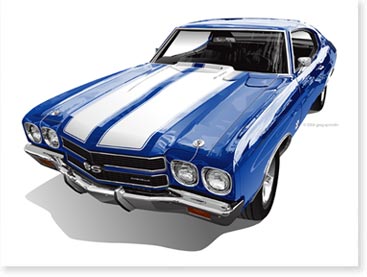
I was reading on AutomotiveArtists.com’s forum, a post by Lemorris called “The Get Well Greg Experience”.
The “Get Well Experience” is about Greg Tedder. Greg is a artist who’s work in the automotive industry is legendary. I have always been impressed with all the reflections he puts into his artwork.
As it turns out, Greg has been in the hospital going through some not so fun surgeries. To help cheer Greg up while he goes through his hospital stay, artists have been asked to come up with drawings showing Greg’s car, known as “Frogger”.
The idea is to draw his car in any style you wish and it’s not about who can draw his car the best but about the automotive community coming together to show support for Greg during this time.
I chose to draw Greg and his car “Frogger” in the cartoon monster style.
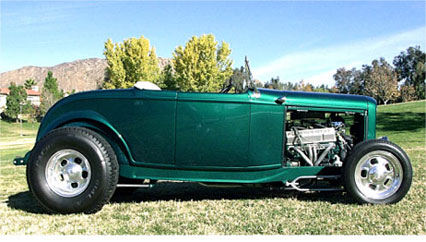
I first looked at the reference images posted in the forum.
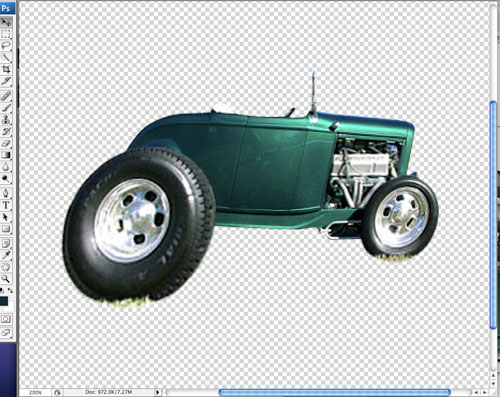
I chose the side view to do and using Photoshop, I shorten the car some and made the back wheels of his car look like they were burning rubber.
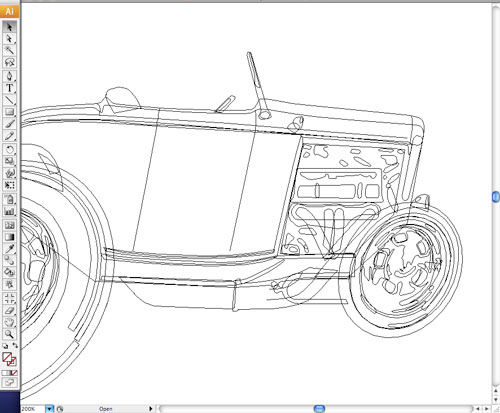
After getting the car shaped the way I wanted, I brought the image into illustrator and started drawing it in vector line art.

Once the car was finished I then needed to sketch out Greg as a cartoon monster. I printed the car artwork out on an ink-jet printer and then using a pencil I started sketching.
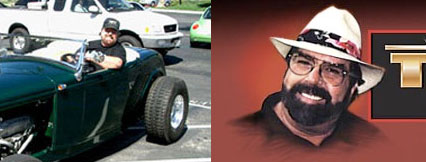
I looked at the images posted and then found another image of him on a site wearing a white hat. Greg has certain distinguishing features like glasses and a beard that help when drawing in this style. I used a digital camera to get the sketch back into the computer so I could start drawing over it with Illustrator.

Everything came together quickly at this point. I used layers in Illustrator to move certain elements around such as putting his arm is on a different layer so that I could draw the shadow of his arm on top of the car.

At the last minute I decided to add a drop shadow behind the whole design to help give it a “decal” type of look. All-in-all I like how the final art turned out and I hope Greg does too! Get well Greg!!!!